



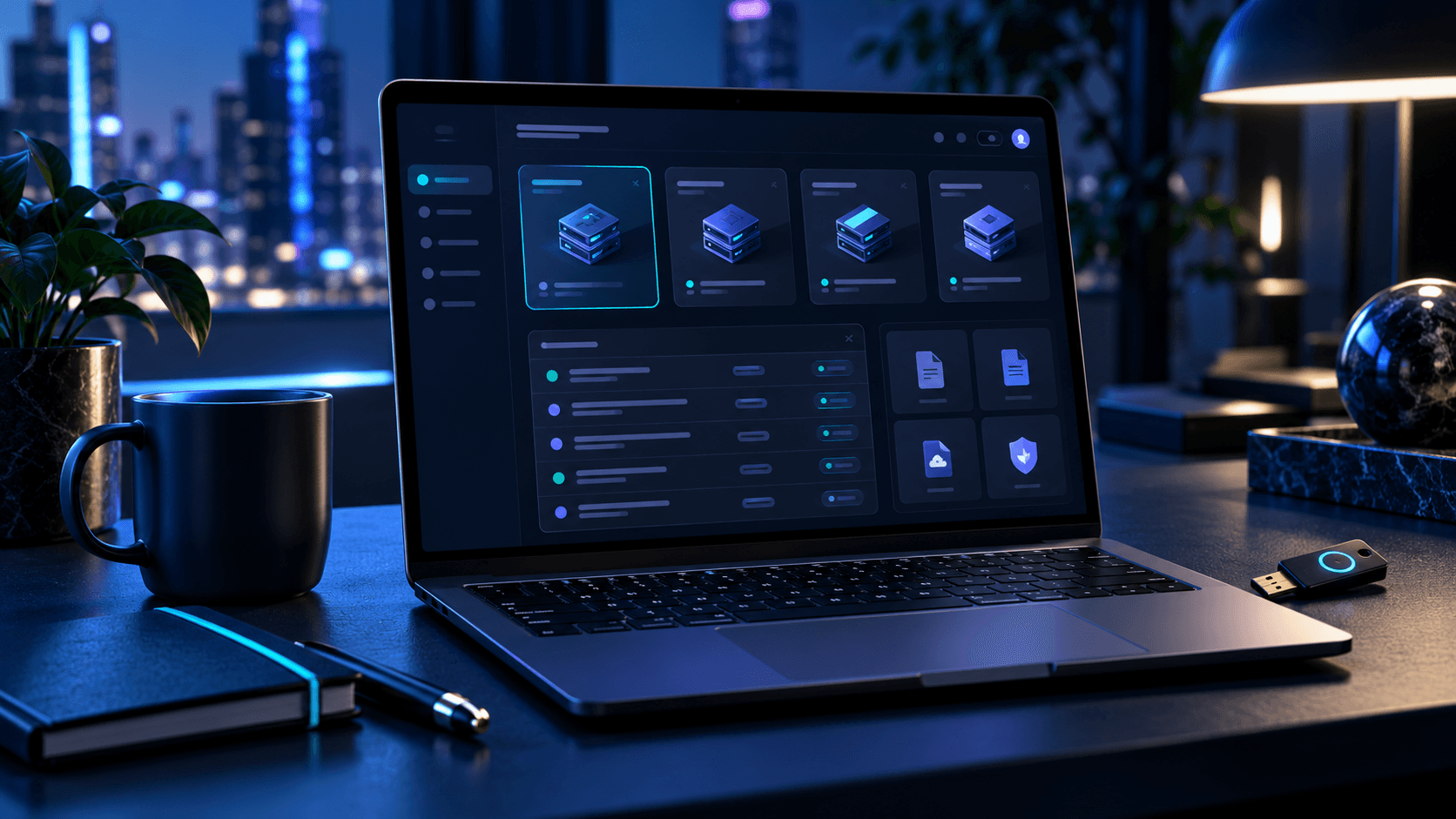

A laptop on a desk at night showing a dashboard of several machines, with a city skyline behind.
Learn

Guides and changes

How Onyx works, and what changed lately.

Guides

Looking up into a tunnel of blue light panels converging to a vanishing point.

How one lockout reaches every machine

Every machine in the fleet sends its logs to Sentinel. When an address keeps failing to sign in, or probes for known weaknesses, Sentinel decides to block it.

That decision goes out to every machine at once, so the address is blocked everywhere, not just where it was first seen. Shared threat lists add addresses that other networks have already caught.

A city at dusk seen through a wire fence, buildings soft and out of focus.

Critical, warning, caution, notice: what each means

Critical: something is down or exposed now. Look at it first.

Warning: something will break or is getting worse. Look at it today.

Caution: something is off but holding. Look at it this week.

Notice: for the record. Nothing to do.

Changelog

  1. A new Home screen

    Onyx gets a new look: one Home screen with fleet health, a live bar of what changed, and every app a click away.

  2. Every image scanned

    Every app image running in our fleet is now scanned for known flaws before it runs.

A long, dark aisle between tall glass-fronted cabinets lit by cool overhead strips.

See it on your own hardware